Why Does My WiFi Disconnect When I Use the Microwave?
By Ken Hollow, a man who once had to explain to a fox spirit that the microwave was not, in fact, “attacking the router out…
By Ken Hollow, who was informed at 8pm on a Tuesday that the WiFi had “chosen violence”
“Ken. It’s happening again.”
“What is?”
“The evening thing. Every night. Around eight.”
“That’s not a haunting, Nana, that’s your neighbours getting home from work.”
“So it IS other people. I knew it was other people.”
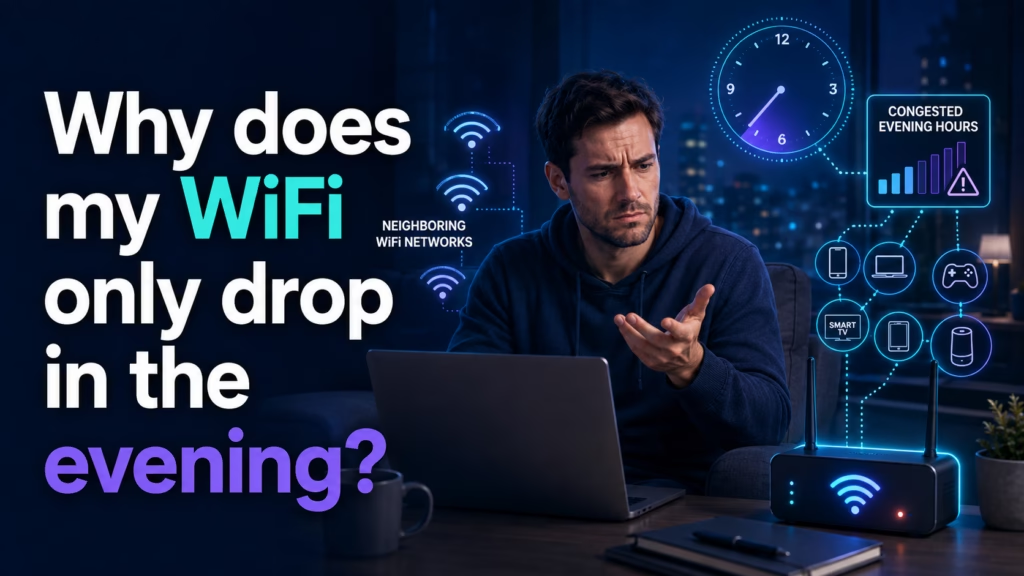
WiFi that fails only in the evening is almost always congestion — and it comes in two distinct flavours that need opposite fixes. Either your neighbours’ WiFi networks are crowding your radio channel (a wireless problem, fixed by changing channels or bands), or your internet provider’s local capacity is saturated at peak hours (a provider problem, which no router setting will fix). A third, less common cause is your own household’s devices doing scheduled work at night. The test that separates them takes two minutes.
These sound similar and point to different causes.
Slow but stable — pages load, video buffers, everything works badly but continuously. This points at bandwidth congestion, usually at your provider.
Actually dropping — the connection disappears, devices show the WiFi symbol vanishing or reconnecting. This points at wireless interference, which is a local radio problem.
If you’re not sure which you have, watch the WiFi icon on your phone during a bad spell. If it stays connected while everything crawls, it’s bandwidth. If it flickers or reconnects, it’s interference.
WiFi is radio. Every network nearby broadcasts on a set of shared channels, and when everyone gets home and switches on routers, TVs, speakers, and doorbells, those channels get crowded. Your router and your neighbour’s are effectively talking over each other.
This is dramatically worse on 2.4 GHz, which has very few genuinely non-overlapping channels and travels far enough to reach through several walls — meaning you’re competing not just with next door but with the whole building. The 5 GHz band has far more channels and shorter range, which sounds like a downside but is exactly why it’s less congested.
How to confirm it: if your problem largely disappears when you connect a device to the 5 GHz network, congestion on 2.4 GHz was your answer.
How to fix it: move what you can to 5 GHz — see our comparison of 2.4 GHz versus 5 GHz. Then, in your router settings, change the 2.4 GHz channel. Most routers default to “auto” and choose badly. Channels 1, 6, and 11 are the non-overlapping ones; pick whichever is least used around you. Many routers have a built-in scan, and phone apps can show you which channels your neighbours occupy.
Internet providers share capacity across a neighbourhood. Between roughly 7pm and 11pm, everyone in your area streams simultaneously, and if the local segment is oversubscribed, everyone’s speeds fall.
This is most pronounced on cable connections, where a shared line serves many homes, and least pronounced on fibre. It has nothing to do with your router, and no amount of channel-changing will touch it.
How to confirm it: run a speed test on a device connected by ethernet cable directly to your router, both at a quiet time (say 11am) and during the bad window. If wired speeds also collapse in the evening, the bottleneck is upstream of your WiFi entirely.
That ethernet test is the single most useful diagnostic here, because it removes WiFi from the equation completely. If wired is fine and wireless is bad, it’s cause one. If both are bad, it’s cause two.
What actually helps: honestly, not much on your end. Contact your provider and report consistent peak-hour degradation with your test results — if the local segment is oversubscribed, that’s something they can address, and evidence helps. Otherwise it’s a question of whether a different provider or technology (fibre rather than cable) is available to you.
“So one of these I can fix and the other one I just have to accept?” — More or less. “And the fix for the second is ‘complain effectively’?” With data attached, yes. “I am extremely good at complaining. Finally, a technical skill I already possess.”
Less common, but worth ruling out because it’s entirely within your control.
Scheduled backups and updates. Phones back up overnight, computers download updates, cloud storage syncs. Several devices deciding to upload simultaneously can saturate your upstream connection, which makes everything feel broken even though downloads have plenty of capacity.
Someone else in the house. Game console downloading a 100 GB update, a 4K stream in another room, a video call. Evening is when everyone is home doing all of it at once.
A device misbehaving. Occasionally one device with a failing network adapter or bad driver will flood the network. If your problems started abruptly and correlate with a new device, unplug it for an evening and see.
How to check: most routers have a traffic or device list showing current usage per device. If one device is consuming everything, you’ve found it in thirty seconds.
Run this during a bad evening, in order:
1. Watch the WiFi icon. Flickering means interference. Steady means bandwidth.
2. Test on 5 GHz. If the problem largely goes away, it’s 2.4 GHz congestion — change your channel.
3. Test on ethernet. If wired is also slow, it’s your provider, not your WiFi.
4. Check the router’s device list. If one device is eating everything, it’s a household problem.
Those four steps land you on the right cause almost every time, and they matter because the fixes don’t overlap at all — changing your WiFi channel does nothing for provider congestion, and switching providers does nothing for a crowded 2.4 GHz band.
If the problem isn’t evening-specific and your connection is just generally poor, start instead with why your WiFi is slow. If it’s specifically video that struggles, streaming buffering has its own set of causes.
“It was channel six. It was channel six the entire time.” — Was it. “Four months, Ken. I have been blaming the moon for four months.” The moon is rarely responsible for network issues. “It has been responsible for other things.”
Evening-only WiFi problems are congestion, in one of two forms that need opposite fixes. Wireless congestion means your neighbours’ networks are crowding your 2.4 GHz channel — symptoms include the connection actually dropping, and the fix is moving devices to 5 GHz and manually setting your 2.4 GHz channel to 1, 6, or 11. Provider congestion means your neighbourhood’s shared capacity is saturated at peak — symptoms are steady-but-slow, and no router change helps. Separate them by testing on an ethernet cable: if wired is also slow, it’s your provider. Also check your router’s device list in case one device in your own house is consuming everything.

Hi. I’m Ken. I run Two Second Solutions, a one-man agency that somehow landed a fox spirit influencer as a client. I drink too much coffee, blog when I need to vent, and regularly update my résumé just in case she sets the office on fire again. I’m not crying — it’s just spell residue.

By Ken Hollow, a man who once had to explain to a fox spirit that the microwave was not, in fact, “attacking the router out…

By Ken Hollow, who has been asked to justify a purchase to a fox spirit who does not pay for anything and yet has extremely…

By Ken Hollow, who has measured a flat with a phone app while a fox spirit followed him narrating the readings incorrectly “Ken. I want…