Is 80% Charge Limiting Actually Worth Using, or Is It Fussing Over Nothing?
By Ken Hollow, who enabled a battery setting and then spent three weeks being told the phone was “broken on purpose, by you” “Ken. My…
By Ken Hollow, the man who has been asked by a fox spirit to justify the continued existence of a phone that is, in her words, “definitely haunted”
“Ken. My phone is four years old.”
“Is it still working?”
“Mostly. The battery dies fast. And it’s slow sometimes.”
“Those are fixable.”
“And the camera is worse than yours.”
“That’s true every two years regardless of when you buy.”
“And it feels old.”
“That’s not a technical problem.”
“It’s a problem for me.”
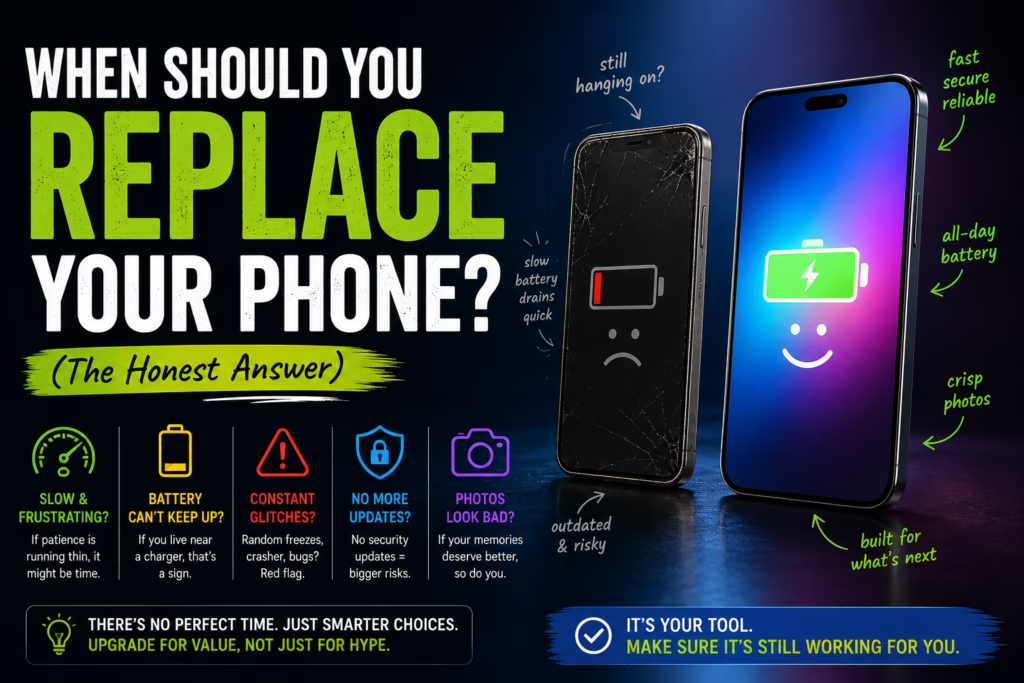
This is the honest tension at the centre of every “should I upgrade my phone” conversation. Manufacturers want you to upgrade every two years. Your actual needs might not require it for four or five. But sometimes a phone genuinely is past the point of usefulness. Here’s how to tell the difference.
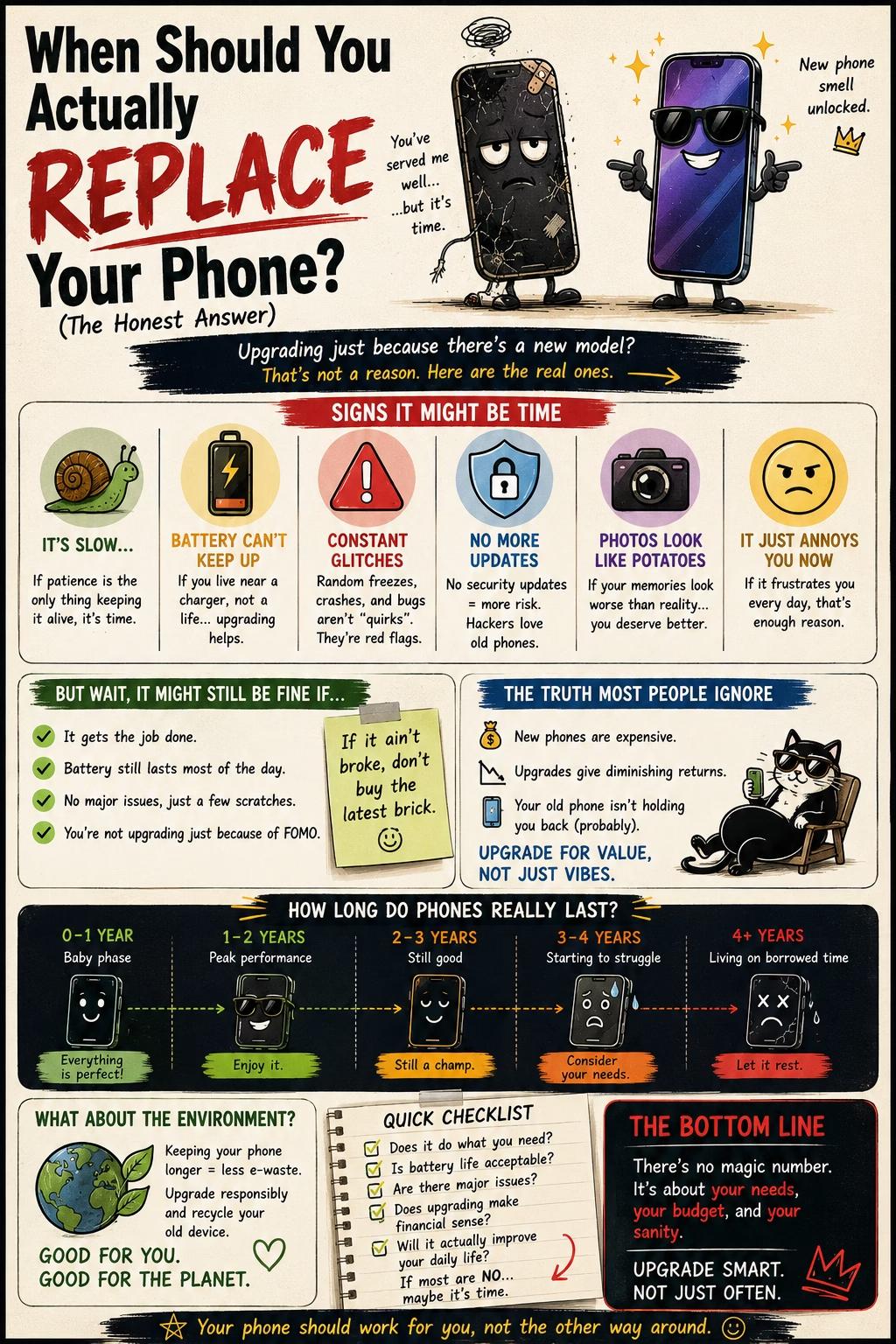
Replace your phone when it stops receiving security updates, when the battery can no longer get you through the day even after a replacement, or when it’s too slow to run the apps you actually use. “Wanting a better camera” and “it feels old” are valid personal reasons, but they’re preferences — not technical necessities. A well-maintained phone can last 4-6 years. The two-year upgrade cycle is a marketing construct, not a technical reality.
Every phone has a software support window — a period during which the manufacturer releases security patches and OS updates. Once that window closes, your phone stops receiving fixes for newly discovered vulnerabilities. Using an unsupported phone isn’t immediately dangerous, but over time the risk accumulates as known exploits go unpatched.
Apple iPhones typically receive iOS updates for 5-6 years after release. The iPhone 12 (released 2020) still gets updates in 2026.
Android phones vary significantly by manufacturer, but the gap with Apple has closed. Google Pixel 8 and later get 7 years of OS and security updates, and Samsung Galaxy S24 and later flagships matched that with 7 years too — a big jump from the 4-year policy older Samsung flagships had. Budget Android phones from lesser-known brands may still get as little as 1-2 years, so check your specific model before assuming.
When your phone stops receiving security updates, that’s a genuine, non-negotiable reason to replace it — especially if you use it for banking, email, or anything sensitive.
Phone batteries degrade over time — Apple’s own specs put iPhone batteries at about 80% of original capacity after 500 full charge cycles, which is roughly 2 years of normal use (newer iPhone 15+ models are rated for double that, at 1,000 cycles). A phone that used to last all day starts dying by mid-afternoon. By year four, some phones are struggling to make it to lunch.
Before replacing the entire phone for battery reasons, consider replacing just the battery. On iPhones, Apple charges around $99 for an official battery replacement. Authorised third-party services often charge less. A fresh battery in a 4-year-old phone can make it feel nearly new for a fraction of the cost of a new device.
Check your iPhone’s battery health at Settings — Battery — Battery Health. Below 80% is the threshold where daily performance noticeably degrades and replacement becomes worth considering. Android battery health checking varies by manufacturer — Samsung has it under Settings — Battery — Battery Protection.
“You’re telling me I can pay $99 to fix the main thing I’m complaining about instead of $1,000 for a new phone?” — Correct. “And I’ve been complaining about the battery for eight months?” You have. “This information was available to me this entire time?” It was. “I see.” Battery replacement appointment: this week.
Older phones slow down for a few reasons: the processor becomes less capable relative to newer, heavier apps; storage fills up and the phone has less room to operate; and battery degradation can cause the phone to throttle its processor to protect the weakening battery.
Before concluding the phone is too slow, try these in order:
1. Free up storage — a phone running with less than 10-15% free storage slows down significantly. Delete unused apps, offload photos to cloud storage, and clear app caches.
2. Restart the phone — phones that run for weeks without a restart accumulate background processes. A weekly restart keeps things clean.
3. Check for a software update — sometimes performance issues are bugs fixed in a newer OS version.
4. Replace the battery — thermal throttling from a weak battery causes more slowness than most people realise.
If you’ve done all of that and the phone is still too slow for your normal tasks — apps crash regularly, the camera takes 5 seconds to open, switching apps is a exercise in patience — the hardware genuinely may be past its useful life.
Camera technology has improved dramatically over the past few years, particularly in low-light performance and video stabilisation. A 4-year-old flagship camera versus a current mid-range phone is a noticeable gap.
That said, cameras improve every year. If you upgrade for the camera, next year’s phone will also have a better camera. At some point this logic either means you upgrade every year (expensive) or you accept that a good-enough camera is good enough.
If photography is genuinely central to what you use your phone for — you create content, you travel extensively, you care deeply about image quality — a camera upgrade is a legitimate reason. If you mostly take photos of food and the occasional landscape, the camera on a 4-year-old flagship is almost certainly fine.
| Situation | What to Do |
|---|---|
| No longer receiving security updates | Replace — this is a genuine reason |
| Battery dies before end of day | Replace the battery first (~$99). Replace phone only if battery swap doesn’t fix it |
| Genuinely too slow for normal tasks after troubleshooting | Replace |
| Slower than a newer phone but still functional | Keep it. All older phones are slower than newer ones |
| Camera isn’t as good as current phones | Personal choice, not a technical necessity |
| “It feels old” / want new features | Valid personal preference — just be honest that it’s a want, not a need |
| Cracked screen but otherwise functional | Screen repair is usually cheaper than replacement |
“My phone still has two years of security updates, a battery that can be replaced, enough storage if I move some photos, and a camera I’ve never actually complained about. I just wanted a new one.” — Yes. “And ‘wanting a new one’ is a valid reason if I’m willing to spend the money.” Also yes. “I’m going to replace the battery and revisit this in six months.” That’s the correct decision.
Replace your phone when: it no longer receives security updates (a real, non-negotiable reason), the battery can’t get you through the day even after a replacement, or it’s genuinely too slow for your normal tasks after troubleshooting storage and software. Before replacing for battery or performance reasons, try: replacing just the battery ($99 for iPhone, similar for Android), freeing up storage, restarting regularly, and checking for OS updates. Camera quality and “wanting something new” are personal reasons, not technical necessities — be honest with yourself about which category you’re in. A well-maintained phone from a manufacturer with long update support (Apple, Google Pixel, Samsung flagship) can realistically last 5-6 years.

Hi. I’m Ken. I run Two Second Solutions, a one-man agency that somehow landed a fox spirit influencer as a client. I drink too much coffee, blog when I need to vent, and regularly update my résumé just in case she sets the office on fire again. I’m not crying — it’s just spell residue.
By Ken Hollow, who enabled a battery setting and then spent three weeks being told the phone was “broken on purpose, by you” “Ken. My…
By Ken Hollow, personal AV technician for a fox spirit who believes anything smaller than a 55-inch screen is “an insult to content” The request…
By Ken Hollow, the man who once watched a computer take eleven minutes to boot and seriously considered a career change “Ken. Your computer is…