Can My Employer See What I Do on My Personal Phone on Company WiFi?
By Ken Hollow, who had to explain that “they can see you were on TikTok” and “they can see your TikToks” are two completely different…
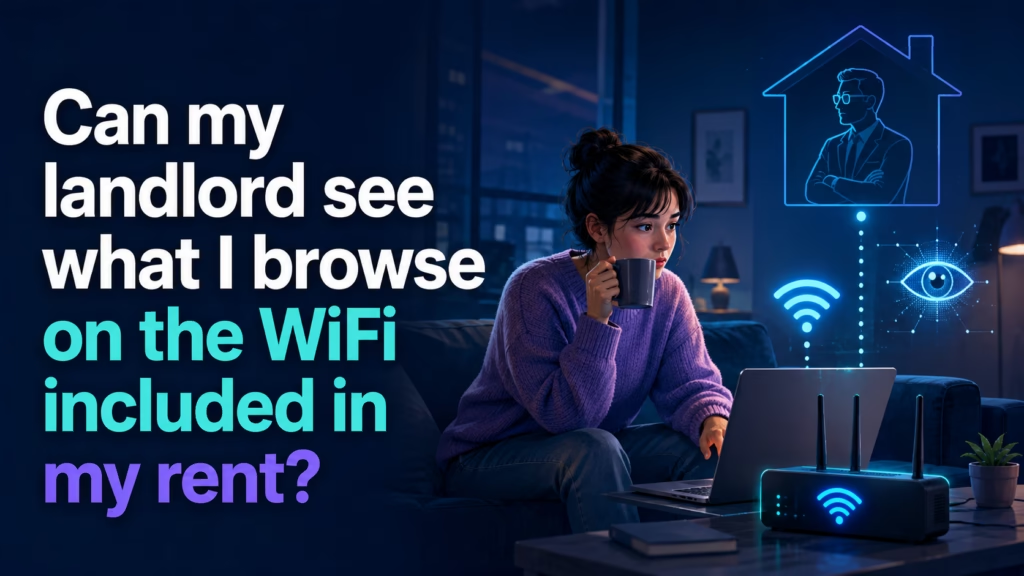
By Ken Hollow, whose fox spirit asked whether the landlord could see her browsing history and then, without pausing, asked whether the landlord could be enchanted
“Ken. The rent includes WiFi.”
“That’s good. That’s a perk.”
“Is it a perk, Ken, or is it surveillance dressed as generosity?”
“…It’s mostly a perk.”
“MOSTLY.”
If your landlord provides the WiFi, they own the router — which means they have the technical ability to see which sites and services your devices connect to, and when. They cannot see the contents: your messages, passwords, or the specific pages you view are encrypted. Most landlords never look, because it requires deliberate effort and equipment they usually don’t have. But “they probably won’t” is different from “they can’t,” and if that gap bothers you, there are two clean fixes.
When you pay an internet provider directly, the router in your home is yours. You set the password, you control the settings, and nobody in your building has privileged access to it.
When WiFi comes bundled with rent, the arrangement inverts. The account is in the landlord’s or building’s name, the hardware belongs to them, and the administrative password is theirs. You are a guest on someone else’s network in your own home.
That doesn’t automatically mean you’re being watched. It means the technical position is the same one your employer occupies on office WiFi, or a café occupies on its guest network — and the limits are the same too.
Which sites and services you connect to. Router logs and DNS records show the domain names your devices request. That’s netflix.com, gmail.com, or the name of any site you visit.
When, and how much. Connection times, session lengths, data volumes. Enough to infer when you’re home, when you sleep, and roughly what kind of activity is happening — streaming looks different from browsing.
Which devices you own. Every connected device announces itself, often with a helpfully descriptive name. “Nana’s iPhone” tells a story before anyone reads a single log entry.
The same encryption boundary applies here as anywhere else. Without installing something on your devices — which a landlord has no ability to do — they cannot read:
1. Message contents in encrypted apps like WhatsApp, Signal, or iMessage.
2. Passwords or payment details you enter on websites.
3. Specific pages, videos, searches, or posts. The domain, yes. What you did there, no.
4. Anything at all if you’re on cellular data rather than their WiFi.
The full technical explanation of where that line sits is in our guide on what a WiFi owner can actually see.
“So he knows I watch things, but not what things.” — Right. “He knows the shape of my evening but not the content of it.” That is an unsettlingly good way to put it. “I have been alive for three hundred years, Ken. I have thoughts about being observed.”
Worth separating capability from probability. Reading router logs in any meaningful way requires someone to deliberately configure logging, know how to interpret the output, and care enough to keep doing it. Consumer routers don’t log browsing history by default, and most retain very little.
The realistic risk in most buildings isn’t a landlord poring over your DNS queries. It’s two more mundane problems:
Everyone is on the same network. If the building WiFi is one flat network rather than isolated per-unit, your devices may be visible to your neighbours — shared printers, network drives, media servers. That’s a bigger practical exposure than the landlord.
Nobody is maintaining it. Building WiFi is often installed once and forgotten. Old firmware, an unchanged default admin password, no security updates. The same concerns that apply to public WiFi apply here, because functionally that’s what it is.
Fix one: use a VPN. A VPN encrypts everything before it leaves your device, so the building router sees only an encrypted stream to a VPN server. No domain names, no browsing patterns. This is the cheapest complete solution and it also protects you from curious neighbours on a shared network.
Fix two: get your own internet. If the building allows it, ordering your own connection makes the whole question disappear. You control the router, the password, and the logs. It costs money you’re technically already paying, which is annoying — but if the arrangement genuinely bothers you, it’s the only fix that removes the landlord from the path entirely.
A useful middle step: rename your devices to something anonymous. “Nana’s iPhone” becomes “Device.” It doesn’t encrypt anything, but it removes the easiest identification in the room.
“I have renamed my phone.” — What to? “‘Nothing Of Interest.'” That is somehow worse. “It’s honest advertising, Ken.”
A landlord who provides your WiFi owns the router, so they technically can see which sites and services your devices connect to and when — but not the contents, which are encrypted. Most never look, since it takes deliberate setup and consumer routers don’t log browsing by default. The bigger practical risks are a flat shared network where neighbours can see your devices, and unmaintained hardware nobody has updated in years. If it bothers you: use a VPN, which encrypts everything before it reaches their router and also shields you from neighbours — or order your own internet connection and remove them from the path completely.

Hi. I’m Ken. I run Two Second Solutions, a one-man agency that somehow landed a fox spirit influencer as a client. I drink too much coffee, blog when I need to vent, and regularly update my résumé just in case she sets the office on fire again. I’m not crying — it’s just spell residue.
By Ken Hollow, who had to explain that “they can see you were on TikTok” and “they can see your TikToks” are two completely different…
By Ken Hollow, who is not on anyone’s family plan and yet somehow still gets asked to explain them “Ken. Hypothetically.” “That word never precedes…
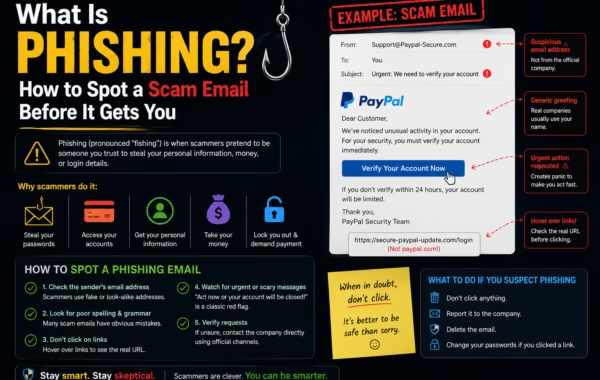
By Ken Hollow, the man who watched a fox spirit nearly click a “Your Apple ID has been suspended” email because the logo looked exactly…