Why Does My Streaming Keep Buffering? (And How to Fix It Fast)
By Ken Hollow, the man who has paused more K-dramas at the worst possible moment than any human alive The scream could be heard from…
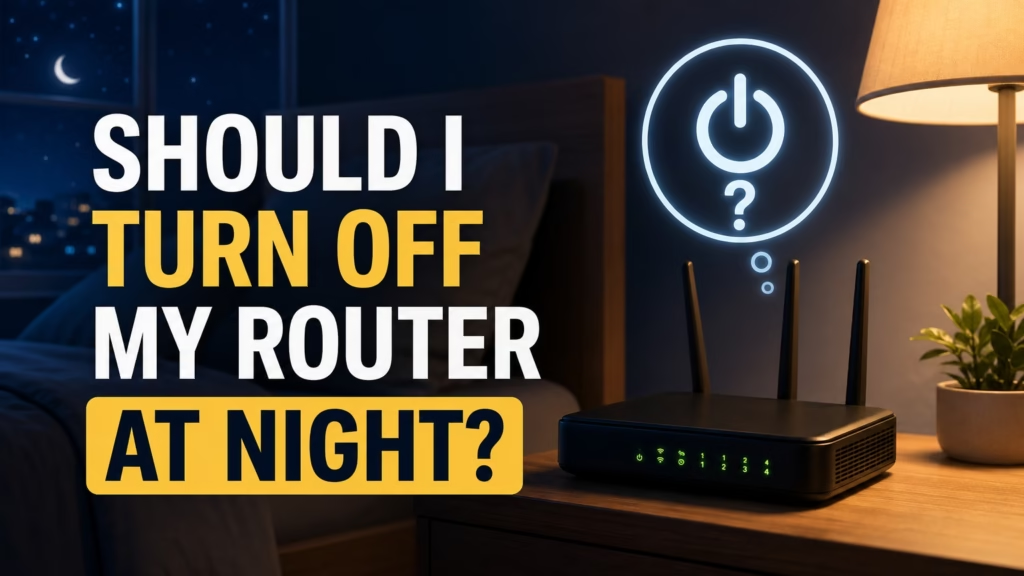
By Ken Hollow, the man whose fox spirit client insists on unplugging the router every night because she believes WiFi signals “interfere with dream quality.”
I told her there’s no scientific evidence for this. She told me she had three centuries of anecdotal data and that my “peer-reviewed studies are adorable.” She unplugs it at exactly 11pm. Every night. Without warning. Mid-episode of whatever I’m watching.
If you’ve been debating whether turning off your router at night saves money, improves security, or protects your health — here’s a complete, honest breakdown. No mystical justifications required.
You can, but you probably shouldn’t. Routers are designed to run 24/7. Turning yours off every night saves roughly €3-8 per year in electricity, can actually shorten the router’s lifespan through repeated power cycling, disrupts smart home devices and security cameras, and prevents overnight firmware updates. The health concerns about WiFi radiation have no scientific support.
Let’s start with the reason most people consider this: saving money.
A typical home router uses between 5 and 15 watts. For context, a single LED light bulb uses about 10 watts. Your fridge uses 100-400 watts. Your router is one of the least power-hungry devices in your entire home.
Running a 10-watt router 24/7 for a full year costs approximately €10-15 in electricity (depending on your local energy rates). If you turn it off for 8 hours every night, you save roughly one-third of that — so €3-5 per year. Maybe €8 if you have a particularly power-hungry model.
For comparison, switching a single incandescent bulb to LED saves you €15-20 per year. Turning off a game console instead of leaving it on standby saves €10-25 per year. The router is genuinely one of the smallest energy costs in your home.
“So I’ve been unplugging the router every night for a year and I’ve saved… five euros? Ken, I could have found that in the sofa. I want my evenings back.”
Here’s the part that surprises most people: yes, frequent power cycling can actually reduce your router’s lifespan.
Routers are designed for continuous operation. The internal components — capacitors, power supplies, memory chips — reach a stable operating temperature and stay there. When you turn the router off and on daily, these components go through heating and cooling cycles that create thermal stress. Over months and years, this wears them out faster than simply leaving the router running.
This doesn’t mean your router will die next week from being turned off once. But if you’re switching it off every night and then wondering why you need a new router every two years instead of five, the power cycling might be a contributing factor.
Your router isn’t just serving your laptop and phone. If you have any of the following, turning off your router at night means they stop functioning:
Security cameras. WiFi-connected cameras won’t record or alert you to anything while the router is off. Statistically, most break-ins happen at night — the exact window you’ve chosen to disable your camera system.
Smart home devices. Smart locks, smart lights, leak detectors, smoke alarm integrations — anything that relies on your home network goes offline. If you’ve set up smart home automation for security or convenience, turning off the router undermines all of it.
Firmware updates. Most routers and ISPs push firmware updates during the early morning hours (2-5am) specifically because traffic is lowest. If your router is off during that window, it misses those updates — including security patches. An unpatched router is a bigger security risk than a running one.
VoIP phones. If your landline runs through the router (increasingly common with fibre broadband), turning off the router turns off your phone.
“I unplugged the router and then yelled at the smart speaker for not responding. Ken said, ‘It needs WiFi to hear you.’ I said, ‘Then it should have listened faster before I pulled the plug.’ I have since been informed that’s not how any of this works.”
This comes up a lot, so let’s address it directly: there is no credible scientific evidence that WiFi signals are harmful to human health.
WiFi routers emit non-ionising radiation at extremely low power levels — far lower than your mobile phone, which you hold against your head. The World Health Organisation, the American Cancer Society, and virtually every major health authority have concluded that WiFi signals at normal exposure levels pose no known health risks.
Your router operates at less than 1 watt of transmission power. Your microwave — which operates on a similar frequency — uses over 1,000 watts but is shielded. Even the leakage from a microwave dwarfs your router’s signal. If you’re comfortable using a microwave (and you should be), your router is not a health concern.
If WiFi radiation worries you anyway, moving the router to a different room creates more meaningful distance than turning it off for a few hours.
There are a few situations where turning off the router is reasonable:
Extended absence. Going on holiday for a week or more? Turning off the router (and most other electronics) is sensible. This saves a small amount of power and eliminates a potential network entry point while you’re away and can’t monitor anything anyway.
You want your kids offline at bedtime. This is a legitimate use case, but there are better solutions. Most modern routers have parental controls that can disable internet access on specific devices at specific times — without killing the whole network. Check your router’s app or admin panel.
Troubleshooting. If your WiFi has been slow or glitchy, a restart (not a nightly habit, just a one-off) can clear out temporary memory issues and restore normal performance. This is different from nightly shutdowns — it’s an occasional fix, not a routine.
Leave your router on. It saves you almost nothing to turn it off (€3-8 per year), and the downsides — disrupted smart devices, missed security updates, potential router damage from power cycling, and disabled security cameras — outweigh the savings. WiFi radiation is not a health concern according to every major health authority, including the World Health Organization. If you want your kids offline at night, use parental controls instead. If your WiFi is acting up, restart the router once — don’t make nightly shutdowns a habit.
“Fine. I will stop unplugging the router at night. But I want it on the record that my dreams WERE better without WiFi. Ken says that’s because I stopped doomscrolling at midnight. I say correlation is not causation. He says that’s exactly what it is. We’ve reached an impasse.”

Hi. I’m Ken. I run Two Second Solutions, a one-man agency that somehow landed a fox spirit influencer as a client. I drink too much coffee, blog when I need to vent, and regularly update my résumé just in case she sets the office on fire again. I’m not crying — it’s just spell residue.
By Ken Hollow, the man who has paused more K-dramas at the worst possible moment than any human alive The scream could be heard from…
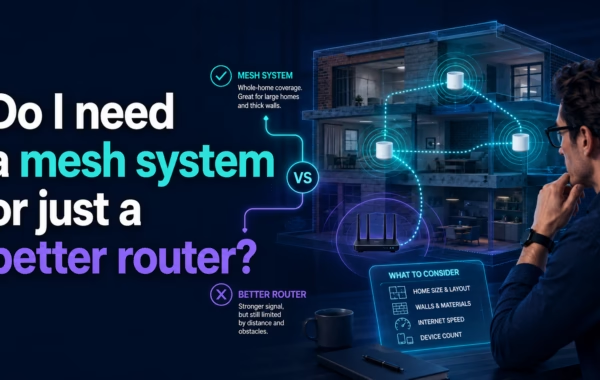
By Ken Hollow, who has measured a flat with a phone app while a fox spirit followed him narrating the readings incorrectly “Ken. I want…
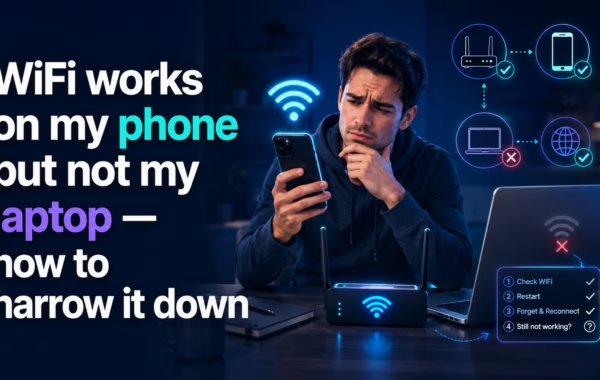
By Ken Hollow, who has been handed a laptop and told “fix it” more times than he has been told “hello” “Ken. The internet is…