Can My Employer See What I Do on My Personal Phone on Company WiFi?
By Ken Hollow, who had to explain that “they can see you were on TikTok” and “they can see your TikToks” are two completely different…
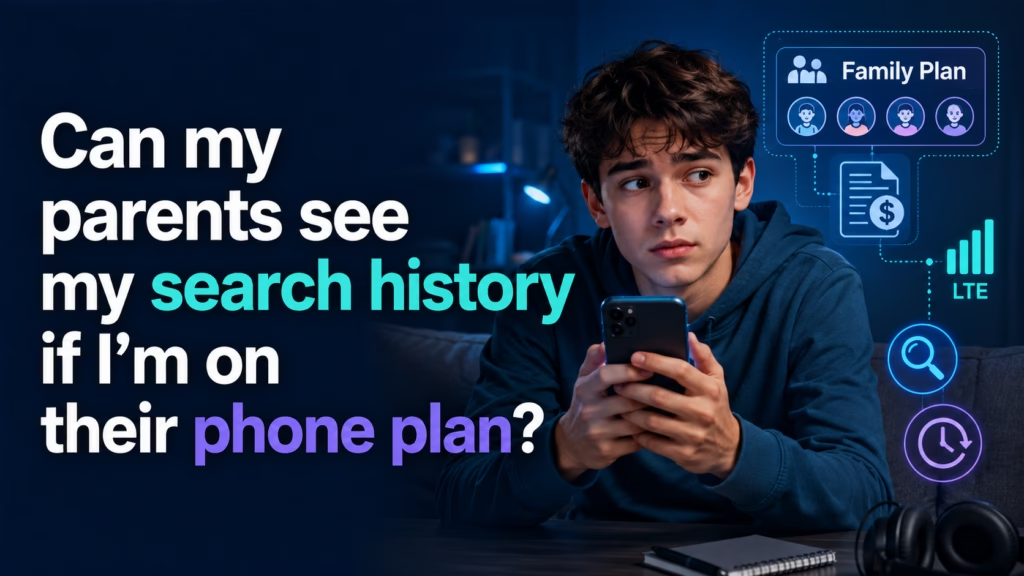
By Ken Hollow, who is not on anyone’s family plan and yet somehow still gets asked to explain them
“Ken. Hypothetically.”
“That word never precedes anything good.”
“If someone were on someone else’s phone plan –“
“Whose plan are you on, Nana.”
“That is not the hypothetical. Focus.”
A standard family phone plan shows the account holder far less than most people assume. Carrier bills list phone numbers called and texted, call durations, and total data used — not websites, not searches, not app contents. What genuinely does expose your browsing is different: a shared Google or Apple account, parental-control software installed on the phone, or being connected to the home WiFi. Those are the three things to check, and they have nothing to do with who pays the bill.
The account holder can log into the carrier account and see billing and usage detail. Historically that meant an itemised list of calls and texts — numbers, times, durations. Many carriers have reduced even that detail on modern plans, but assume it’s visible.
For data, what appears is a number. “14.2 GB used this month.” Possibly a per-line breakdown. That’s it.
Carriers do not itemise your data usage by website on the bill. There is no line item that says “3.1 GB — YouTube.” The bill answers how much, never what.
This surprises people, because the fear is intuitive: they pay for it, so surely they see everything. The billing system was simply never built to report that, and the traffic is encrypted anyway.
If someone in your family can see your search history, it’s almost certainly one of these — not the phone plan.
1. A shared Google or Apple account. This is the most common by a wide margin. If your phone is signed into a Google account that a parent also uses or has the password for, your search history, YouTube history, location timeline, and synced Chrome browsing are all visible at myactivity.google.com. Same principle with a shared Apple ID: synced Safari history, and potentially messages and photos.
This has nothing to do with the phone plan. It’s account-level, and it follows you onto any WiFi, any network, anywhere.
2. Parental-control or monitoring software. Apple Screen Time with a family organiser, Google Family Link, or a third-party monitoring app. These are designed to report activity and can show app usage, time spent, sites visited, and in some cases far more. They’re installed on the device deliberately.
3. The home WiFi router. When you’re on the house WiFi, whoever administers the router can see the domain names your device requests — the same visibility any network owner has, explained fully in our guide on what a WiFi owner can see. Some routers have parental-control features that log and email this. Note this stops the moment you switch to cellular data.
“So the bill shows nothing, but the account shows everything.” — More or less. “That is the opposite of what everyone believes.” It usually is. The scary-sounding thing is harmless and the boring-sounding thing is the actual exposure.
Check for a shared account. On Android: Settings → Google → Manage your Google Account, and look at which email is signed in. On iPhone: Settings → tap your name at the top → check the Apple ID email. If it’s an address a parent set up or has the password to, assume activity is visible.
Check for monitoring software. On iPhone: Settings → Screen Time — if it says you’re part of a Family and there’s a passcode you didn’t set, someone else is managing it. Also check Settings → General → VPN & Device Management for profiles. On Android: check for Family Link, and look at Settings → Security → Device admin apps.
Check the router situation. If you’re on home WiFi, assume domain-level visibility is possible.
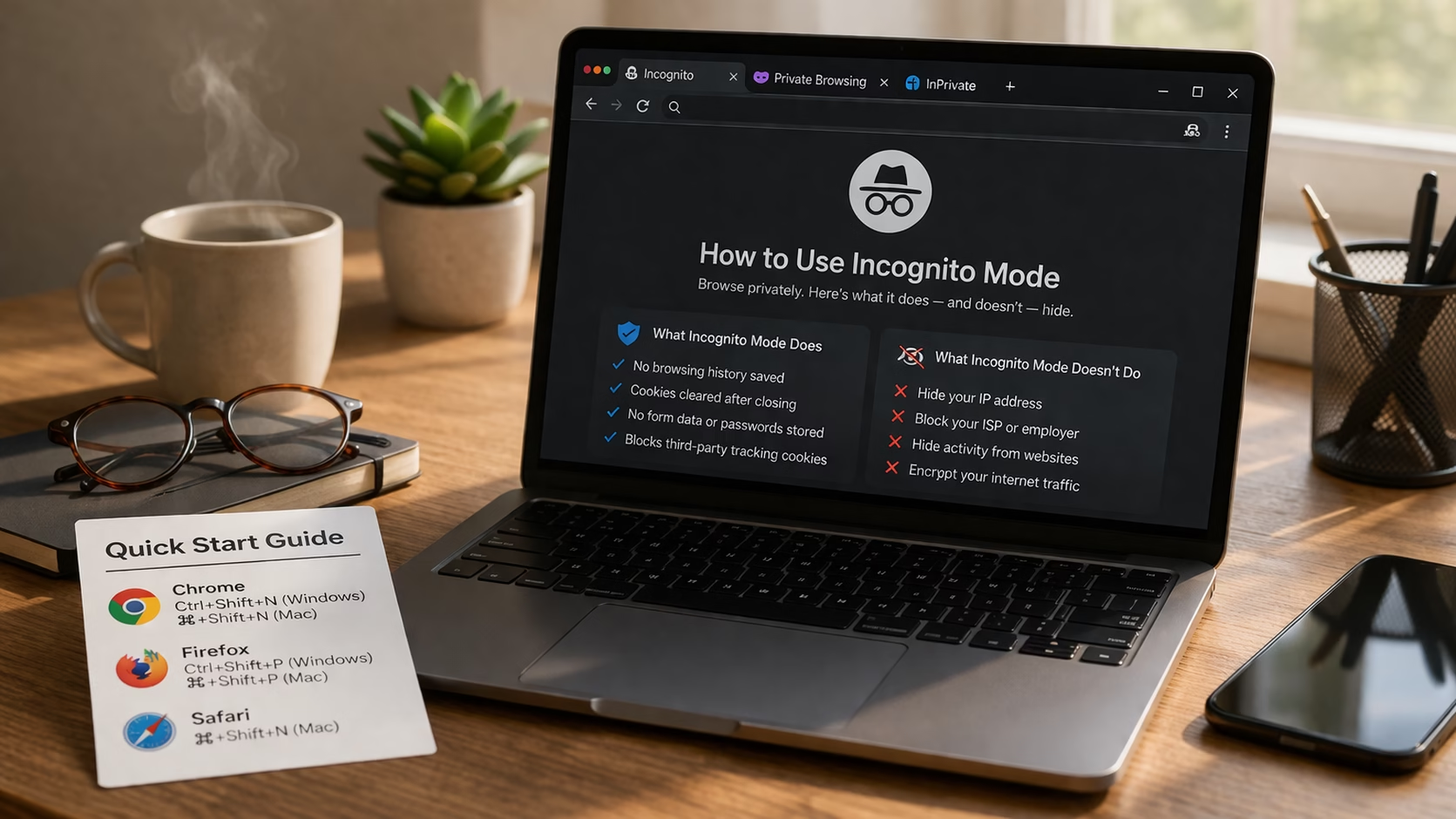
Incognito mode does not help here. This is the single biggest misconception. Private browsing stops your browser saving history on that device. It does not stop a synced account from logging searches, does not stop monitoring software, and does not stop the router. If you’re signed into a Google account, your searches are recorded to that account whether you’re in incognito or not. We covered this in what incognito mode actually hides.
Using your own account helps. If the exposure is a shared Google or Apple account, creating your own and signing into it is the actual fix. Everything else is working around a problem you could remove.
Cellular data removes the router. Turning off WiFi means the home router sees nothing. It doesn’t touch the account or software issues.
A VPN removes network-level visibility. A VPN encrypts traffic before it reaches the router. It does nothing about a shared account or monitoring software installed on the device — those operate above the network layer.
One honest note: if you’re a minor on a family plan, monitoring may be a deliberate parenting decision rather than an accident. Working around it is a conversation to have with them, not just a technical problem to solve. The technical facts are above either way.
“I have made my own account.” — Good. “It was surprisingly easy and I feel strange about how easy it was.” That’s the normal reaction. Most privacy problems are one settings screen away from being solved and people spend years assuming otherwise.
A family phone plan shows the account holder numbers called and texted, call durations, and total data used — not websites, not searches. Carriers don’t itemise data by site. What actually exposes browsing is a shared Google or Apple account (searches and history sync to it, visible at myactivity.google.com), parental-control software installed on the phone, or the home WiFi router seeing domain names. Incognito mode does not help with any of the three. If it’s a shared account, making your own is the real fix; cellular data removes the router; a VPN handles network visibility but not account or software monitoring.

Hi. I’m Ken. I run Two Second Solutions, a one-man agency that somehow landed a fox spirit influencer as a client. I drink too much coffee, blog when I need to vent, and regularly update my résumé just in case she sets the office on fire again. I’m not crying — it’s just spell residue.
By Ken Hollow, who had to explain that “they can see you were on TikTok” and “they can see your TikToks” are two completely different…
By Ken Hollow, whose fox spirit asked whether the landlord could see her browsing history and then, without pausing, asked whether the landlord could be…
Spoiler: Less Than Nana Thinks By Ken Hollow, reluctant IT department for a fox spirit who thinks private browsing means “the internet can’t see me”…