What Is a VPN and Do You Actually Need One? (Plain English Guide)
By Ken Hollow, the man who had to explain encryption to someone who thinks her WiFi password is a “digital incantation” I knew it was…
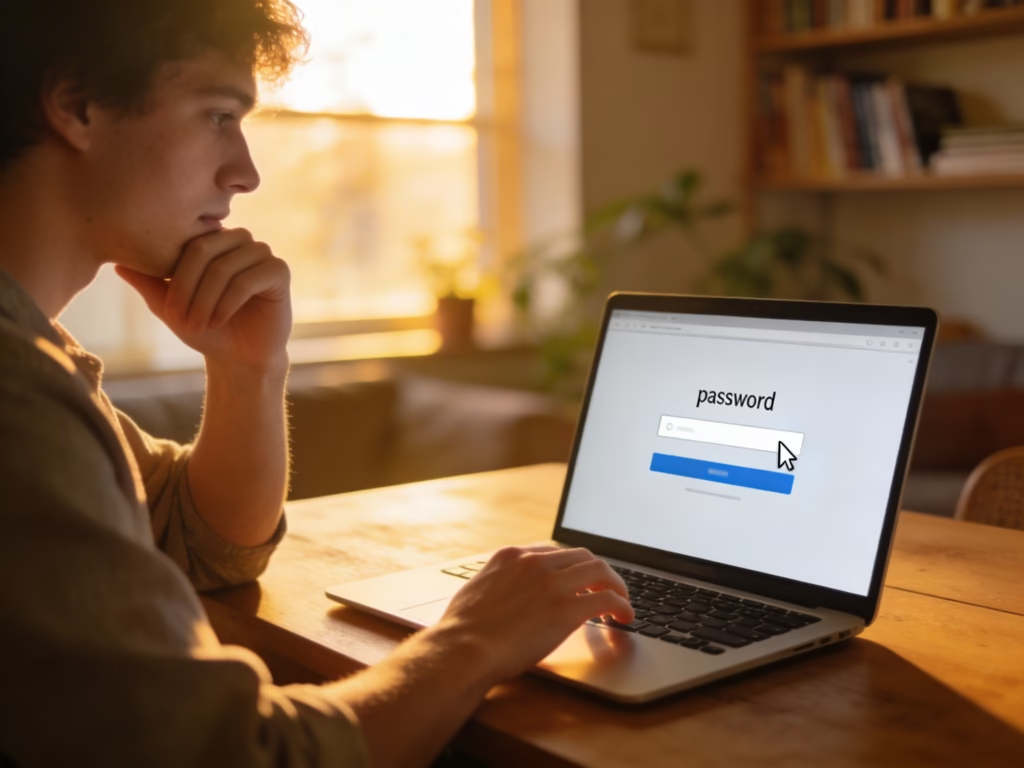
By Ken Hollow, the man who discovered his client’s password was “VelvetQueen123” and nearly had a professional breakdown
I found out by accident. Nana needed me to log into her email for a sponsorship thing and just… said it out loud. On a video call. With people on it.
“VelvetQueen123.”
I stared at her. She stared at me. Nobody spoke for three full seconds.
“Nana. That password is a war crime.”
“It has a number in it, Ken.”
If your password is your name plus a number, your pet’s name, your birthday, a keyboard pattern like “qwerty123,” or — and I cannot stress this enough — the word “password” with any variation, this guide is for you. We need to talk.
A strong password is at least 16 characters long, unique to each account, and not based on personal information or dictionary words. The easiest method is using a passphrase — a string of random words like “correct horse battery staple” — or letting a password manager generate and store random passwords for you. You should never reuse passwords across accounts.
This isn’t a personal attack — it’s a statistical one. Studies consistently show that the most commonly used passwords worldwide include “123456,” “password,” “qwerty,” and “iloveyou.” The average person has around 100 online accounts but tends to reuse the same handful of passwords across most of them.
Here’s why that matters: when a company gets hacked and its database of passwords leaks (which happens constantly — billions of credentials have been exposed in breaches over the past few years), attackers take those leaked passwords and try them on other sites. It’s called credential stuffing, and it’s automated. If your Netflix password is the same as your email password, and Netflix gets breached, your email is now compromised too — along with every account that uses that email for password resets.
Modern password-cracking tools don’t guess randomly. They use leaked password databases, dictionary words, common substitution patterns (swapping “a” for “@” or “e” for “3”), and increasingly, AI-trained models that predict human password-creation habits. A password like “P@ssw0rd!” looks complex to a human. To a cracking tool, it’s one of the first things to try.
“You’re telling me hackers have a list of the most common passwords and mine is on it?” — Not yours specifically, Nana. But “VelvetQueen123” follows every predictable pattern on the list. Capital word, lowercase word, three numbers. That’s basically a template.
Forget the old advice about needing exactly one uppercase letter, one number, and one symbol in an 8-character password. That advice is outdated. The current guidelines from NIST (the U.S. National Institute of Standards and Technology) and cybersecurity organizations like CISA emphasize three things, in order of importance:
This is the single most important factor. Every additional character multiplies the time it takes to crack a password exponentially. An 8-character password using mixed characters can be cracked in hours or less with modern hardware. A 16-character password with the same mix? Centuries.
The current recommendation from the National Cybersecurity Alliance is at least 16 characters. NIST recommends systems allow up to 64 characters. Length beats complexity every time.
Every account gets its own password. No exceptions. If you reuse passwords, a single breach compromises everything. This is the rule people hate the most because it means managing dozens of different passwords — which is exactly why password managers exist (more on that below).
Your password shouldn’t be based on anything someone could guess or find out about you — not your name, your pet’s name, your birthday, your city, your favorite team, or your child’s name followed by their birth year. Social media has made this information trivially easy to find. If it’s on your Facebook profile, it shouldn’t be in your password.
It also shouldn’t be a common word or phrase, even with substitutions. “Summer2025!” is predictable. “Tr0ub4dor&3” is predictable (yes, even with the substitutions). Attackers have pattern libraries that account for all of these tricks.
If you need to create a password you’ll actually remember, passphrases are the current gold standard. Instead of a single complex word, you string together multiple random words into a phrase that’s long enough to be secure but human enough to memorize.
The key is randomness. Don’t pick words that naturally go together. “ILoveMyDog” is a bad passphrase because it’s a predictable sentence. “Trumpet Glacier Envelope Cactus” is a great passphrase because those four words have no logical connection — they’re random.
Here’s what a good passphrase looks like versus a bad password:
| ❌ Weak Passwords | ✅ Strong Passphrases |
|---|---|
| VelvetQueen123 | Trumpet Glacier Envelope Cactus |
| P@ssw0rd! | Blanket Volcano Whisker Eleven |
| Summer2025 | Lobster Compass Shingles Orbit |
| qwerty123 | Feather Turbine Marmalade Clock |
| iloveyou | Cinnamon Wrench Penguin Voltage |
The passphrases on the right are 28-35 characters long, contain no personal information, aren’t dictionary phrases, and are vastly harder to crack than the short “complex” passwords on the left. And “Lobster Compass Shingles Orbit” is genuinely easier to remember than “xK#9mPr$2vQ!” — try both and see.
To make a passphrase even stronger, you can add a number or symbol between the words: “Trumpet7Glacier!Envelope-Cactus” is essentially uncrackable by any current technology.
“My new password is four random words? That’s it? I was expecting some kind of arcane cipher ritual.” — No rituals. Just words that don’t make sense together. Your brand.
Here’s the reality: you have around 100 accounts. Each one needs a unique, long, random password. No human can memorize 100 unique passphrases. That’s not a failing on your part — it’s just math.
A password manager solves this completely. It’s an app that generates truly random passwords for every account, stores them all in an encrypted vault, and fills them in automatically when you log in. You only need to remember one password — the master password for the manager itself (which should be a strong passphrase).
Here’s how it works in practice:
The reputable options include 1Password, Bitwarden (has a solid free tier), Dashlane, and NordPass. Apple’s built-in Keychain and Google’s Password Manager are also decent if you’re fully in one ecosystem, though dedicated managers offer more features and cross-platform flexibility.
“But what if the password manager gets hacked?” Fair question. Reputable managers use zero-knowledge encryption — meaning even the company can’t see your passwords. Your vault is encrypted with your master password, which they don’t store. If the company’s servers were breached, attackers would get encrypted data they can’t unlock without your master password. This is dramatically safer than reusing “Fluffy2019!” across 47 websites.
Even the strongest password can be compromised through phishing or a data breach. That’s where two-factor authentication (2FA) comes in — it adds a second verification step beyond your password.
When 2FA is enabled, logging in requires your password plus a second factor: usually a temporary code from an authenticator app on your phone (like Google Authenticator or Authy), a push notification you approve, or a physical security key you plug in.
Even if someone steals your password, they can’t get into your account without that second factor. It’s the single most effective protection you can add to any account, and most major services support it now — email, banking, social media, cloud storage, everything.
Important: SMS-based 2FA (where you receive a text message with a code) is better than no 2FA, but it’s the weakest form. SIM-swapping attacks can intercept those texts. An authenticator app is significantly more secure and just as easy to use.
Right now, without installing anything, you can check whether your current passwords have been exposed in known data breaches. Go to haveibeenpwned.com and enter your email address. It will show you which breaches your email has appeared in — and which of your accounts need password changes immediately.
If your email shows up in breaches (and most people’s will — it’s not your fault, it’s the companies that got hacked), change the passwords for those accounts first. Then work through your other accounts over time. You don’t have to fix everything in one sitting.
“I checked my email on that breach site. It appeared in SEVEN breaches. Seven! I feel violated.” — That’s actually about average, Nana. It means seven companies you signed up with had their databases leaked. Change those passwords and set up 2FA. You’ll be fine.
You might have seen “passkey” options starting to appear on Google, Apple, and Microsoft login screens. Passkeys are a newer technology designed to eventually replace passwords entirely. Instead of typing a password, you authenticate using your phone’s biometrics (fingerprint or face scan) or a PIN, and a cryptographic key stored on your device handles the login behind the scenes.
Passkeys are more secure than passwords because there’s nothing to steal or phish — the key never leaves your device, and it only works with the specific site it was created for. They’re also more convenient since there’s nothing to type or remember.
The technology is still rolling out. Not all websites support passkeys yet, and the experience varies depending on your device and browser. For now, strong passwords plus a password manager plus 2FA is the practical standard. But as passkey adoption grows, it’s worth enabling them wherever they’re available — they’re genuinely better.
A strong password is long (at least 16 characters), unique to each account, and not based on personal information or predictable patterns. The easiest way to create one you can remember is the passphrase method — string together four or more random words. For everything else, use a password manager so you only need to remember one master password. Enable two-factor authentication on every account that supports it, especially email and banking. And check haveibeenpwned.com to see if your current credentials have already been exposed.
“My new master password is a four-word passphrase that has nothing to do with velvet, foxes, or moonlight. It was the hardest creative decision of my life. But Ken says I’m ‘statistically less hackable now,’ so I’ll take the compliment.”

Hi. I’m Ken. I run Two Second Solutions, a one-man agency that somehow landed a fox spirit influencer as a client. I drink too much coffee, blog when I need to vent, and regularly update my résumé just in case she sets the office on fire again. I’m not crying — it’s just spell residue.
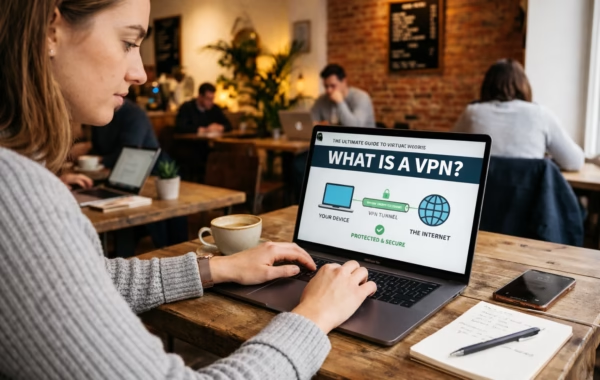
By Ken Hollow, the man who had to explain encryption to someone who thinks her WiFi password is a “digital incantation” I knew it was…
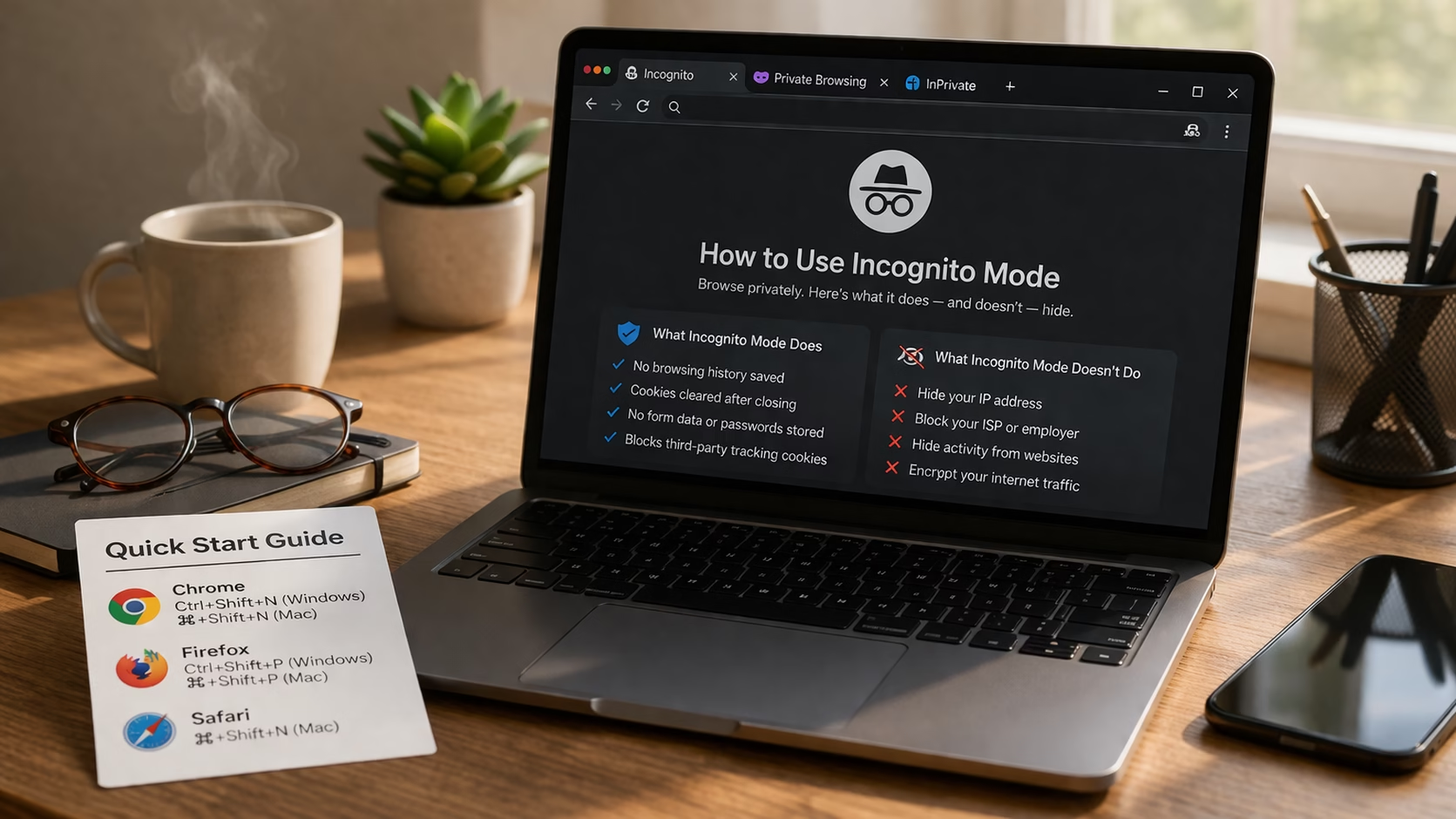
Spoiler: Less Than Nana Thinks By Ken Hollow, reluctant IT department for a fox spirit who thinks private browsing means “the internet can’t see me”…