What Is Bluetooth and How Does It Work? (Plain English Guide)
By Ken Hollow, the man whose earbuds keep pairing with a fox spirit’s phone from across the room “Ken. Your earbuds are playing MY music.”…
By Ken Hollow, the man who spent twenty minutes explaining to a fox spirit that “the cloud” is not, in fact, a weather phenomenon
“Ken. My phone says my photos are backed up to the cloud.”
“Good. That means they’re safe.”
“But where are they? Are they. in the sky?”
“No.”
“Then why do they call it the cloud?”
This is genuinely one of the most common tech confusions I encounter, and honestly, it’s not an unreasonable question. “The cloud” is a term the tech industry invented to make something ordinary sound poetic and mysterious. It worked, mostly in the wrong direction.
Here’s what the cloud actually is, where your files actually go, and what “backing up to the cloud” really means.
“The cloud” just means someone else’s computer – specifically, a massive server in a data center somewhere. When you save something to the cloud, you’re uploading a copy to those servers over the internet. Your photos, documents, and files live on those servers and sync back to your devices. The word “cloud” is marketing. The reality is hard drives in big warehouses.
The cloud is not a mystical digital sky. It’s a network of physical servers – enormous computers – sitting in large, highly secured buildings called data centers. These data centers are owned and operated by companies like Apple, Google, Microsoft, and Amazon. When you “save something to the cloud,” you’re sending a copy of your file over the internet to one of those servers.
The reason it’s called a cloud has nothing to do with weather. It comes from how engineers draw network diagrams: the internet is typically represented as a cloud shape (because it’s a complex web of connections that you don’t need to understand in detail). So “storing something in the cloud” meant “storing it on the internet side of things.” The name stuck, the marketing teams ran with it, and now everyone is confused.
The key things that make cloud storage useful: your files are accessible from any device with an internet connection, they’re backed up so a broken phone doesn’t mean lost photos, and you’re not limited by the storage on any single device.
“So when I take a photo and it says ‘uploading to iCloud,’ my photo is physically traveling through cables to a building in another state?” – Yes, essentially. Your photo goes from your phone, through your WiFi router, through your internet provider’s network, to Apple’s data center. It takes about two seconds. “That’s less magical than I hoped.” It really is.
It depends on which service you use:
iCloud (Apple): Apple operates its own data centers, but also uses Amazon Web Services (AWS) and Google Cloud for some storage. Your iCloud data is distributed across multiple locations – not one single building.
Google Photos / Google Drive: Stored on Google’s data centers, which are located across the US, Europe, and Asia. Google is known for running some of the most efficient data centers in the world.
OneDrive (Microsoft): Stored on Microsoft Azure servers, Microsoft’s cloud infrastructure, distributed globally.
Dropbox: Primarily uses Amazon Web Services (AWS) for storage.
The specific location often depends on where you are. Most services store your data in the region closest to you to make access faster – so if you’re in the US, your files are likely in a US data center.
These two terms get used interchangeably, but they’re different:
Syncing means keeping files identical across multiple devices in real time. When you edit a Google Doc on your phone, the change appears on your laptop immediately. Delete a file in a synced folder, and it disappears everywhere. Sync is about access and consistency.
Backing up means making a copy that protects against loss. A backup doesn’t delete automatically when you delete the original – it’s a safety net. iCloud backup is a backup: it captures your phone’s state so you can restore it if something goes wrong.
The confusion matters because if you accidentally delete a synced file, it’s gone everywhere – but a backup would still have it. Most cloud services offer both features, but they work differently.
“Sync is like a mirror and backup is like a photograph of the mirror?” – That is exactly right and I’m adding it to how I explain this from now on.
Cloud storage from major providers (Apple, Google, Microsoft, Dropbox) is encrypted – your files are scrambled during transfer and while stored, so they can’t be easily read even if someone intercepts them. In practice, your files in iCloud or Google Drive are safer from hackers than files sitting on a hard drive you keep under your desk.
That said, a few real considerations:
Your account security matters most. If someone gets your password, they get your files. Use a strong password and enable two-factor authentication on your cloud accounts. That single step eliminates the vast majority of unauthorized access risk.
The company can technically access your data. Apple, Google, and others are subject to government requests and court orders. Their terms of service reserve the right to scan for illegal content. For most people this is irrelevant, but it’s worth knowing it’s not perfectly private.
Account compromise is the main real-world risk. Check if your email has ever been involved in a data breach – here’s how to do that. If your email was leaked, change your passwords everywhere.
Every major service offers free storage with the option to pay for more:
iCloud: 5 GB free. Most iPhone users need to pay – photos fill this quickly. Plans start at $0.99/month for 50 GB.
Google: 15 GB free, shared across Gmail, Drive, and Photos. More generous than Apple’s free tier. Plans start at $2.99/month for 100 GB.
OneDrive: 5 GB free. Microsoft 365 subscribers ($6.99/month) get 1 TB included.
Dropbox: 2 GB free – very limited. Paid plans start at $9.99/month for 2 TB.
For a deeper comparison of which service makes sense depending on what devices you use, we cover that in iCloud vs. Google Drive vs. Dropbox.
“Apple gives you 5 GB free and then immediately fills it with your photos until you have to pay? That seems calculated.” – It is absolutely calculated. “And I thought foxes were shrewd.” You have met your match, Nana.
“The cloud” is just servers – big computers in data centers – owned by companies like Apple, Google, and Microsoft. When you save to the cloud, you’re uploading your file over the internet to those servers. Syncing keeps files identical across devices in real time; backing up makes a protective copy. Cloud storage from major providers is encrypted and generally secure – the main risk is your account being compromised, so use a strong password and two-factor authentication. Every major service offers free storage (5-15 GB), with paid plans when you need more.

Hi. I’m Ken. I run Two Second Solutions, a one-man agency that somehow landed a fox spirit influencer as a client. I drink too much coffee, blog when I need to vent, and regularly update my résumé just in case she sets the office on fire again. I’m not crying — it’s just spell residue.
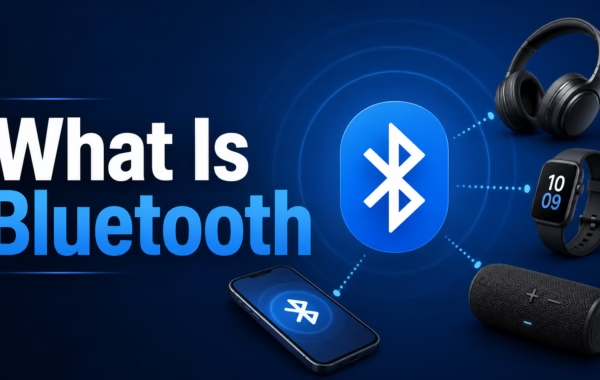
By Ken Hollow, the man whose earbuds keep pairing with a fox spirit’s phone from across the room “Ken. Your earbuds are playing MY music.”…
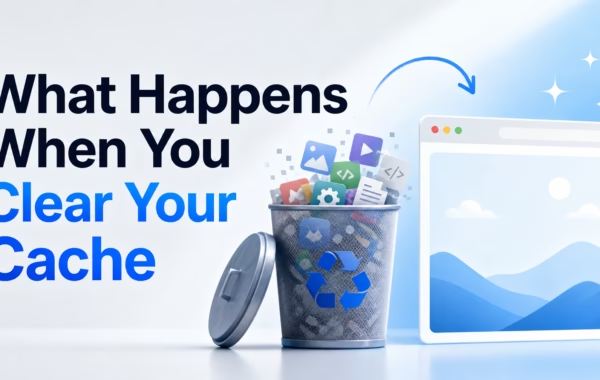
By Ken Hollow, the man who told a fox spirit to “clear her cache” and had to explain that he wasn’t deleting the internet “Ken.…
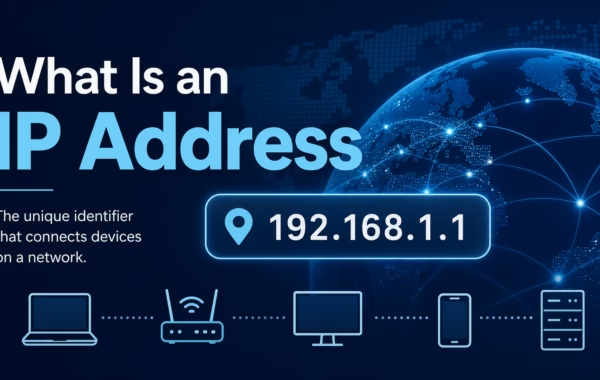
By Ken Hollow, the man who tried to explain IP addresses to a fox spirit and accidentally triggered an existential crisis about digital identity “Ken.…